OV Code Signing Certificate at $215.99
Digitally Sign Your Software or App Using Organization Validation Code Signing Certificate and Show Your Users Who Made the Software & Assure Software Hasn’t Been Tampered With Since Its Signing with Cryptographic Hash Function. Ideal for Individuals and Organizations!
| Name of Product | Validation | Issuance Time | List Price | Our Price | |
|---|---|---|---|---|---|
| Certera Code Signing | Business | 1-5 Days |
|
$215.99/yr. | |
| Comodo Code Signing | Business | 1-5 Days |
|
$219.99/yr. | |
| Google Cloud KMS Code Signing | Business | 1-5 Days |
|
$219.99/yr. | |
| Sectigo Code Signing | Business | 1-5 Days |
|
$219.99/yr. | |
| Azure Key Vault Code Signing | Business | 1-5 Days |
|
$398.99/yr. | |
| Digicert Code Signing | Business | 1-5 Days |
|
$399.99/yr. |

What is an OV Code Signing Certificate?
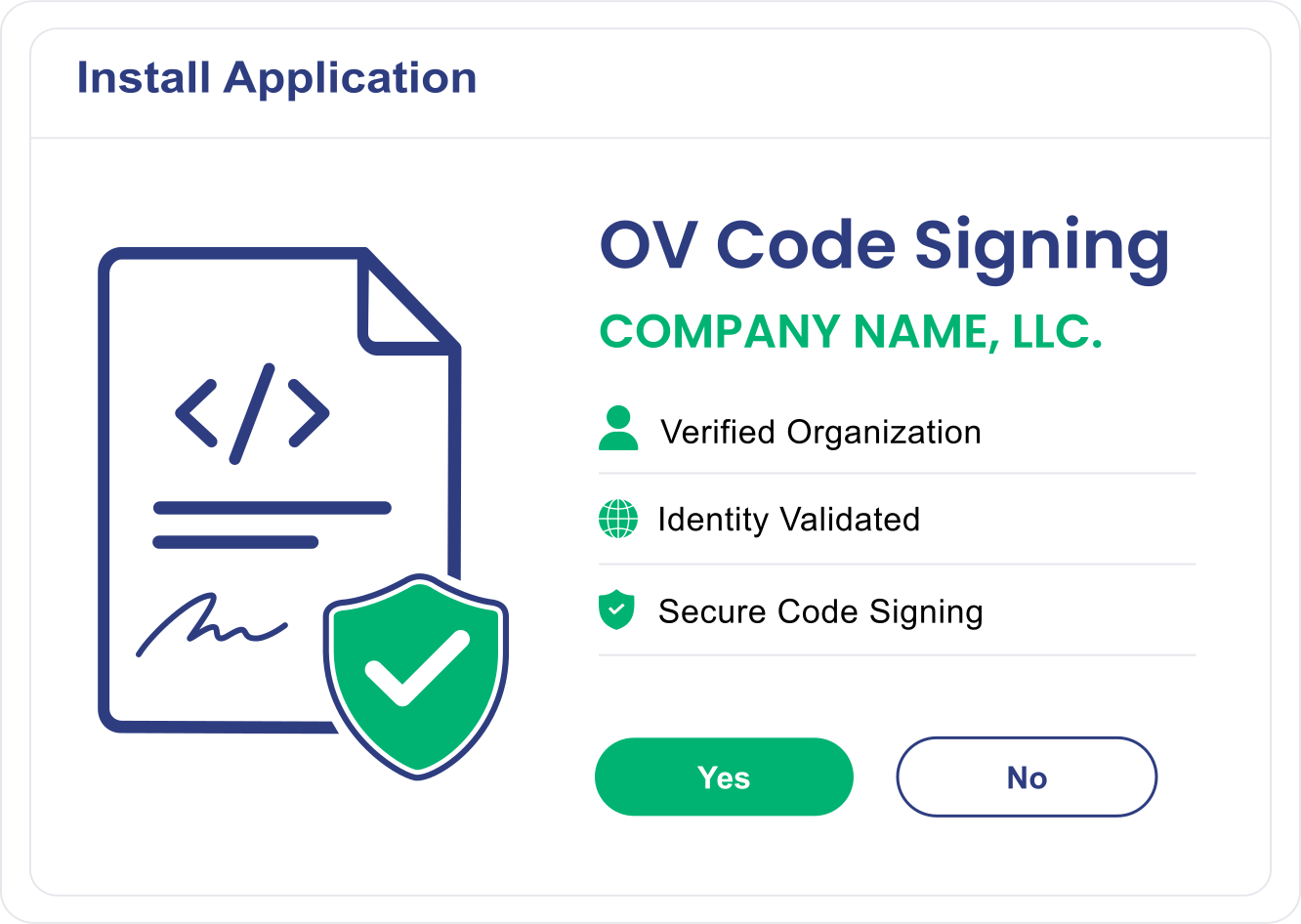
An OV Code Signing Certificate authenticates your organization's identity and digitally signs software, applications, scripts, drivers, and executables. When users download your software, they can verify:
- The software comes from your organization
- Your organization's verified name on every binary
- The code has not been modified after signing
- The publisher identity is validated by a trusted Certificate Authority
This helps increase trust and confidence during software installation and distribution.
Features and Benefits of OV Code Signing Certificates
Here are the reasons why businesses should use extended validation over standard validation:
-
Instantly Removes Unknown Publisher Warning
Once you obtain your OV Code Signing Certificate, you will show your company’s name as verified publisher with digital signature. Along with trustworthiness, it also removes unknown publisher warnings while making you appear as a genuine software author and ensuring that software code hasn't been tampered with since its signing while downloading.
-
Timestamping Software
OV Code Signing Certificate offers you the unique feature of Timestamping your digital signature, which you can use at the time of signing the software. Timestamping your signature means your digital signature will remain valid on all the signed software, applications, scripts, and executables even after your Code Signing Certificate validity period gets over.
-
Unlimited Code Signing
Digitally sign your unlimited number of software and executables till your Code Signing Certificate validity period is not over. For instance, if you've purchased a Code Signing Certificate that has a validity of 2 years, then for the entire 2 years, you'll be able to code sign unlimited executables.
-
Boost Better Brand Reputation and Code Integrity
Comodo OV Code Signing Cert enhance your brand reputation, source code integrity and conversion rates and sales by removing browser warnings and malwares and offers user confidence and trust towards to software and organization.
-
Ensure Genuineness
CA such as DigiCert, Sectigo & Comodo requires a light vetting process before issue the OV Code Signing Certificate to ensure that you're a legal entity running a real business, and software is safe to trust and use. They asks you to submit Government-issued documents of your company, publicly available phone number, and some other docs to get verified.
-
Compatible With Different Platforms
OV Code signing certificate is a software signing certificate for organization or software firm for your software legitimacy & integrity. Hence it supports all platforms such as Adobe executables, AIR files, Mozilla Object files, Visual Studio, Java Jar files and even software and applications of the Windows Operating Systems.
Common Use Cases & Benefits of Using Software Signing Certificates
Some common use cases and benefits of having software publisher certificates are:
-
SaaS Agencies
SaaS companies use code-signing certificates to secure downloadable agents and utilities as well as client applications.
-
Strengthen Software Trust
Display verified publisher information to end users and customers.
-
DevOps and CI/CD Pipelines
Organizations use signed build artifacts to prove that code has not been tampered with between development and deployment.
-
Meet Security Requirements
Support enterprise security policies and software distribution standards.
-
Programmers & IT Teams
Developers use OV digital certificate to sign executables, so users know the software comes from a real company.
-
Faster Validation
OV certificates generally require less validation effort than EV certificates while delivering strong identity assurance.
Why SignMyCode.com to Buy OV Code Signing?
Low cost and premium service is something everyone looks for, and we're ready to provide it. Here, you'll get the same OV (Organization Validation) Code Signing Certificate that you get from any Certificate Authorities website, though the price will be less compared to the original one.
Furthermore, by purchasing from SignMyCode.com, you'll get the smooth vetting process, technical support from Code Signing Experts, and most importantly 30 – days money-back guarantee without questioning anything.
-
Fast Validation Assistance
Dedicated experts help streamline the validation process.
-
Competitive Pricing
Flexible solutions and pricing for Individuals, SMBs, and Enterprises.
-
Technical Expertise
Guidance for installation, deployment, and code signing workflows.
-
Dedicated Customer Support
Assistance throughout the certificate lifecycle.
How to Get an OV Code Signing Certificate?
-
Purchase OV Code Signing Certificate
Choose Certificate Duration and Delivery Mode and Place Order.
-
Complete Enrolment Process
Provide Required Details to validates your organization identity using business validation procedures.
-
Certificate Issued
After Successful validation, CA issues your OV Digital Signing Cert stored on a FIPS 140-2 validated hardware token.
-
Sign your Code
Activate your USB Token and Use tool such as signtool.exe to sign your code.
-
Verify the Digital Signature
Validate your digital signature and your signed code remains trusted permanently with a valid timestamp.
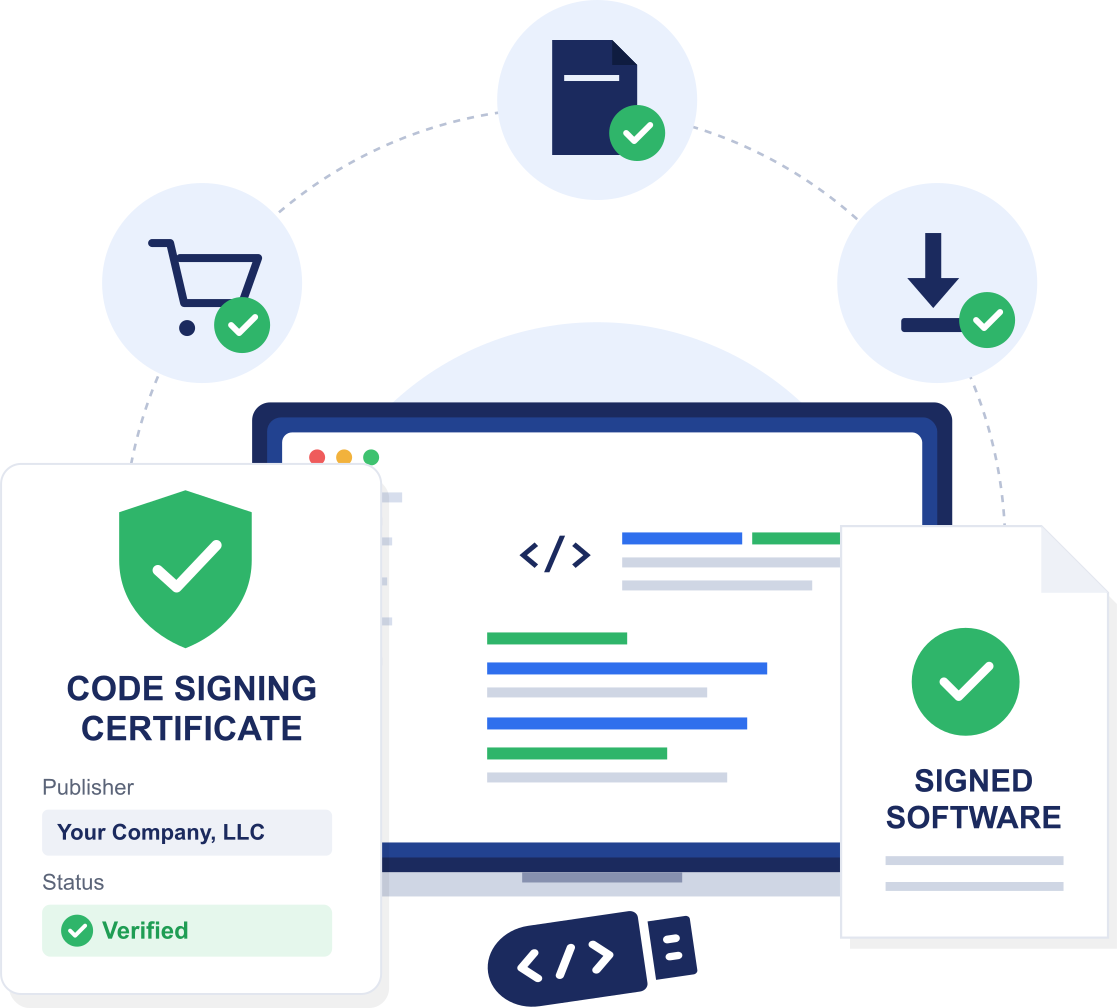
Code Signing Solution for All Platforms

Microsoft Authenticode kernel & user mode signing.

PowerShell
Scripts

Fully Recognised
in Apple Mac Oss

Adobe Air
applications.

Microsoft
Office.

Microsoft Windows 8
and above.

MS Visual Basic for Applications and MS Office Macro files.

Java Applets &
Java Applications.
Validation Requirements to Issue Organization Validated Code Signing Certificates
The number and types of documents necessary to obtain an Organization Validation Code Signing Certificate can vary based on whether certificate will be issued to an organization or individual, and whether or not the Certificate Authority (CA) can independently validate the provide details using trusted public records and/or government databases.
In the case where the CA is able to fully validate a customer's provided information entirely using authoritative sources, then typically, no additional supporting documents will be required. However, if any part of the customer's information is missing, outdated, or not independently verifiable, then the CA may request that the customer provides any necessary supporting documentation.
Documents Commonly Required for Organizations:
Organizations may be asked to provide one or more of the following documents:
- Business Registration Documents – Such as a Certificate of Incorporation, Business Registration Certificate, Articles of Incorporation, or another duly authorized form of registration issued by a recognized authority.
- DBA (Doing Business As) Registration – If a trade name or other name(s) has been listed on the business entity’s registration document, documentation of this registration may be requested.
- Proof of Business Address – Such as an electricity or gas bill, a bank statement for an operating account, an official income statement for the business from the tax authorities, and/or other similar types of documents that would provide “corporate verification” of the physical location in which the business operates (i.e., location of office, call center, manufacturing facility, etc.).
- Verified Business Contact Information – Documentation from a trusted third-party source or government registry showing the organization's business phone number or email address if this information cannot be independently verified.
Documents Commonly Required for Individual Applicants:
The verification of identity using an Automated Identity Validation via Video is generally required for those applying for an OV Certificate Signing Certificate. In addition to verifying your identity via Video, you may also need to provide:
- Government-Issued Photo Identification – Examples of a Government Issued ID with Photo include a Passport, Driver’s License or National ID card.
- Proof of Physical Address – You may also provide various documents, such as Utility Bills, Bank Statements, Government Correspondence (such as taxes) to establish your physical address.
Subscriber Agreement
There is a Subscriber Agreement required by all applicants, whether an organization or individual. An authorized individual from the organization or the individual applicant must sign the Agreement prior to issuance of the Certificate.
Organization Validation vs. Extended Validation Code Signing Difference
While both Organization Validation (OV) and Extended Validation (EV) Code Signing Certificates verify the identity of the software publisher and the integrity of the software code, EV Code Signing Certificates provide the highest level of identity assurance, the most robust security control and the greatest advantages for organizations that publicly distribute their software.
| OV Code Signing | Feature | EV Code Signing |
|---|---|---|
| Standard organization validation | Organization Identity Verification | Rigorous extended validation |
| Yes | Publisher Identity Displayed | Yes (highest assurance) |
| Required | Hardware-backed Key Storage | Required |
| Builds Reputation over time | SmartScreen Trust Fignals | Faster Reputation |
| Not supported | Kernel-mode Driver Signing | Windows kernel-mode & user-mode drivers supported |
| HSM or hardware token required | Private Key Protection | HSM or hardware token required |
| Yes | Suitable for Public Software Distribution | Highly recommended |
| Standard business verification | Validation Rigor | Extensive legal and operational verification |
| Internal applications and standard software distribution | Best Suited for | Public software distribution, enterprise applications, and regulated industries |
| Starts at $215.99/yr | Starts at $279.99/yr |
While OV Code Signing provides software authenticity, EV Code Signing delivers the highest level of publisher verification and security assurance.
Choose EV Code Signing if you:
- Distribute software publicly.
- Require maximum user trust.
- Need stronger identity validation.
- Operate in regulated industries.
- Publish enterprise-grade applications.
- Want enhanced software reputation and credibility.
Frequently Asked Questions
Is It Possible to Get an OV Code Signing Certificate for Free?
No, you can't get a free OV Code Signing Certificate, as many protocols and policies are followed to make it trustworthy to users operating systems, and web browsers, which requires money. Henceforth, the CA charges a specific price. Again, though, you can decide with which CA (Certificate Authority) you want to go with. Some CA sets higher prices due to their brand name popularity, and some provide the same security and features at a reasonable cost. Starts at $215.99 Per Year
Does OV Code Signing Certificate Expire?
Yes, like any other digital security certificate, Sectigo (Formerly Known as) Comodo OV Code Signing Certificate comes with a validity period of 1-year, 2-year, 3-year and 5-year time validity. And, once that validity period is over, your Code Signing Certificate gets expired, and you'll require to renew it to further code sign your application or software. You can Renew OV Code Signing Certificate at $215.99/yr.
How Long Does It Take for an OV Code Signing Certificate to Be Issued?
Once you apply for an OV Code Signing Certificate, it is issued in 1 – 5 business days. Likewise, it also depends on how fast your vetting process completes.
Can I Cancel My OV Code Signing Certificate?
Yes, if you've purchased your OV Code Signing Certificate from SignMyCode.com and it hasn't activated or issued yet, then you can it within 30 days from the date of the purchase. Order in Active status cannot cancel by vendor.
What happens if I don't have a registered company to Buy a Code Signing Certificate?
To purchase OV or EV Code Signing cert, you must have registered company with proper documents. If you don’t have a registered company, go with Individual Code Signing Certificate created specifically for developers, independent publishers, and freelancers who are not doing business as a legally registered entity.
Do Additional tools needed after buying a code signing certificate?
Yes. Although the certificate is the primary pre-requisite, other tools may be required based on how you develop the application. The majority of developers rely on a code signing tool like the SignTool provided by Microsoft for Windows-based applications, codesign utility provided by Apple for Mac OS applications, or jarsigner tool provided by Java for Java-based applications. If the certificate is present in a hardware token or an HSM, then you also require the corresponding middleware and/or drivers from the hardware vendor.
What security features should I look for in a code signing certificate?
Find a certificate from a reputable CA which meets the current industry standards such as, a highly secure cryptographic algorithm (for example, RSA 3072 bit or ECC if available), proper encryption of the private keys using a certified hardware (FIPS 140-2 level 2 or above), timestamped, and compatible with most major operating systems and browsers.
Do code signing certificates expire, and how can I track them?
Yes. Code-signing certificates expire after a specified period of time which may range from one year to three years, based on the certificate authority. If the certificate expires, it will no longer be used for any signing purpose. On the other hand, applications that were already signed with the help of the expired certificate will remain valid if signed using time-stamp during signing. In order to avoid service disruption due to expired certificates, set reminders for certificate expiration dates.
What is the Best Code Signing Certificates for Small Businesses?
The best certificate will depend on your budget, how you plan to distribute your software, and any reputation requirements. Start-up companies usually go for certificates issued by established Certificate Authorities like DigiCert, Sectigo (formerly Comodo CA), and Certera because of wide platform compatibility and reputation in the industry. For organizations requiring the SmartScreen reputation immediately after signing their windows applications, they might want to use DigiCert EV Code Signing whereas those looking for an economical option might go for Sectigo or Certera Code Signing. Moreover, For CI/CD and Automation requirements, go with Cloud Code Signing such as Azure Key Vault or Google Cloud KMS.
Is buying from Comodo better than DigiCert?
Both are globally trusted and popular CA, it depends upon your needs. DigiCert has always been popular for its premium support, fast processing, advanced enterprise features, and trustworthiness, which makes it a favourite of those companies having higher security needs. Sectigo, the former Comodo CA, is usually chosen because of their affordable prices, yet they issue trusted code signing certificates that can be easily used in most operating systems. If price is your main consideration, then you might find that Sectigo provides good value for money.
Is hardware protection required for Standard Code Signing Certs?
Yes, all certificates all require hardware protection for their private keys as they must be created and stored on secure hardware as stipulated in the CA/Browser Forum's industry requirements. Effective June 1, 2023, use of secure hardware for All Code Signing certificates private keys must comply with FIPS 140 Level 2, Common Criteria EAL 4+ or equivalent standards. A cryptographic USB token, Hardware Security Module ("HSM") or approved cloud-based HSM services can provide a secure solution.
We are rated 4.8/5
 REVIEWS
Real customer ratings and reviews at
REVIEWS
Real customer ratings and reviews at

I am very grateful to Sienna for helping with my request. She was understanding, responsive, and helpful throughout the process. In addition to Sienna, most of the customer support representatives I interacted with like Finn, Daniel were attentive, and very helpful. Their support made the experience smooth and pleasant.
Great customer service! Daniel was very helpful throughout the OV validation process, providing clear guidance on each step including D-U-N-S registration and Sectigo verification requirements. Highly recommended for first-time certificate buyers.
I finally got around to installing the new Sectigo EV cert token this afternoon. Everything worked the first time with no fuss. The documentation was spot on, the tools just worked, and Visual Studio saw the certificate immediately. Building, publishing and installing it was just as seamless.
Our Trusted Clients






Live Chat
Talk to our 24/7 code signing experts for issuance, validation, and installation help.

24/7 Ticketing Support
Raise your support and sale ticket, we will answer immediately.

Code Signing Tutorials
Code Signing Tools
Why SignMyCode?
Globally Recognized Certificate Authority (CA)
Quick Validation and Issuance by Pro Code Signing Experts
Technical Troubleshooting in Real-Time
24 x 7 Customer Support via Live Chat & Email