Google Cloud KMS EV Code Signing at $279.99
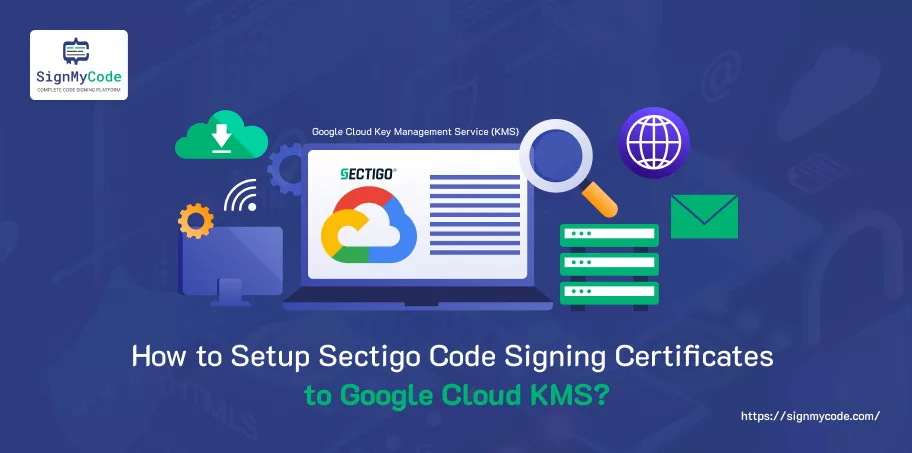
Combining the Sectigo EV with Google Cloud HSM provides hardware security, key management, and a scalable driver signing solution for global development teams.
Type
 Money Back
Guarantee
 Lowest Price
Guarantee
Cloud Code Signing
FIPS 140-2 Level 3
Remote Driver Signing
Secure Software Distribution
24/7 Sales & Live Support
No Physical USB Required
Cloud HSM (Google)
Sectigo

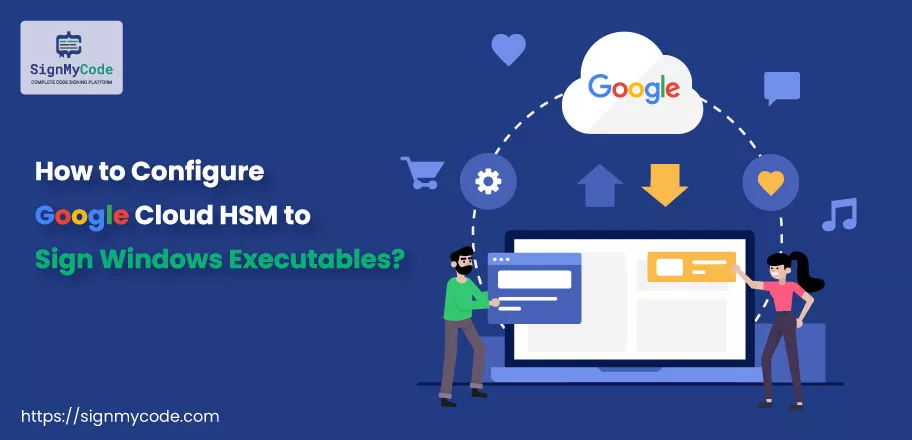
Transitioning away from a PFX-based signing approach and into a cloud-based HSM environment provides a great security upgrade for the enterprise development environment. Instead of storing private keys locally, they're created in the Cloud HSM, validation for the EV code signing certificate is obtained, and the signing process occurs through the Google Cloud KMS CNG provider. This approach keeps the private key inside a secure boundary but still works well with existing signing tools in Windows. GCP now supports post-quantum Key Encapsulation Mechanisms in Cloud KMS, in preview, enabling customers to begin migrating to a post-quantum world.
EV certificates are especially critical for kernel-mode driver signing and enterprise software distribution, where strict security and compliance standards apply.
Cloud KMS provides a centralized approach for managing and controlling keys, detailed access management, and comprehensive auditing. FIPS 140-2 level 3 hardware validation and usage-based scaling allow for a streamlined approach, providing a strong compliance posture. When paired with a Sectigo EV Code Signing certificate, a secure, automated, and future-ready signing solution is available for DevSecOps environments.

Features and Benefits of Google Cloud KMS EV Code Signing Certificate

Driver Signing Compatibility
It meets the requirements of Windows kernel mode and user mode driver signing to ensure that the organization is aligned with Microsoft’s distribution and security requirements.

Microsoft CNG Integration
Seamlessly integrates with Microsoft’s Cryptography API: Next Generation (CNG), enabling secure signing through SignTool while keeping private keys protected in Cloud HSM.

FIPS 140-2 Level 3 Cloud HSM
Tamper-resistant, hardware-backed key protection with non-extractable private keys stored inside certified Cloud HSM infrastructure.

Automated CI/CD Signing
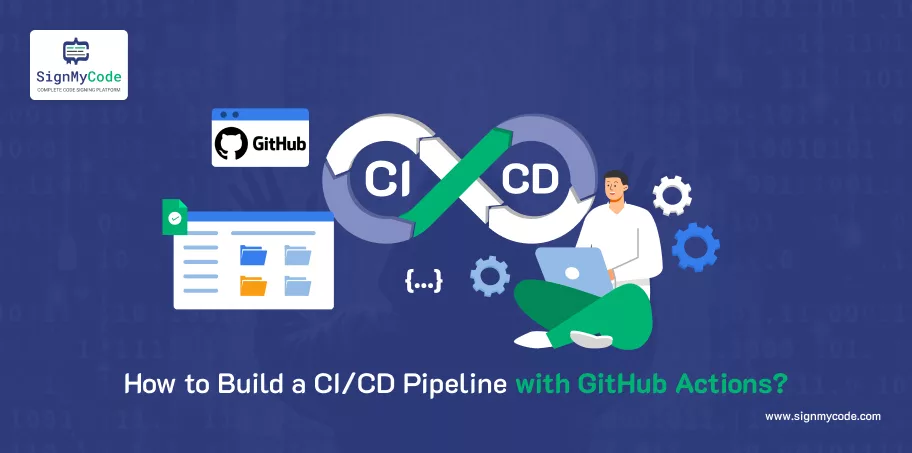
It makes it easy to integrate with GitHub Actions to ensure automated code signing in a completely secure manner. Signing happens via API calls.

Secure Key Storage
Keys are stored inside the secure hardware so they cannot be removed. They are stored separately from the operating system and the apps. This reduces the risk of malware and insider threats. Access is granted based on who you are. Everything is logged to aid in auditing.

PKCS#11 Library
The PKCS#11 library provides a standardized interface for cryptographic operations, enabling applications to interact with hardware security modules consistently. It allows existing signing tools and enterprise systems to perform encryption and signing without code rewrites.
Azure Key Vault Vs GCP KMS: Comparison of Key Management Services
| Azure Key Vault | Feature | Google Cloud KMS |
|---|---|---|
| Azure-centric environment & Windows servers | Use Cases Best For | Google Cloud Platform environment |
| Using Microsoft-managed keys, Secrets, and certificates management solution | Default Encryption Methodology Primary Purpose | Using Google-managed keys Specifically for encryption key management purposes |
| AES-GCM, RSA-OAEP | Encryption Techniques Supported | RSA PKCS#1v1.5, RSA-OAEP |
| General-purpose (keys, secrets, certificates) | Scope | Narrow-focused (keys, secrets separately) |
| Built-in | Secrets Management Capabilities | Not available (must use other product/service) |
| Available using Azure Key Vault features | Key Rotation | Available, configurable per key |
| Yes, (Premium plan / Managed HSM) | HSM Support | Yes (Cloud HSM) |
| Yes, AES 256-bit encryption keys wrapped in RSA 2048-bit keys | Bring Your Own Key (BYOK) | Yes, AES 256-bit encryption keys wrapped in RSA 2048-bit keys |
| Yes (with Managed HSM/HYOK capabilities) | External Key Management | Yes (with External Key Manager capabilities) |
| Simple, vault-based approach | Structure & Architecture | Key hierarchy (project → key ring → key) |
| Azure AD, RBAC and Access Policies | Access Control Mechanisms | IAM roles/policies |
| Azure Services & Microsoft ecosystem | Integrations and Integrability | GCP services like BigQuery, GCS, Compute Engine |
| Azure Monitor/Logs | Audit & Logs | Google Cloud Audit Logs |
| Limited/indirect | Multi-region Keys | Support for multiple regions |
| Store and retrieve application secrets | API / Use Style | Encrypt/decrypt via API |
| Per operation + key tier | Pricing Model | Per key version + operations |
| Application secret + Certificate + Key storage | Best Use Case | High scale encryption and complete key lifecycle management |
| $5 per key per month (Premium Vault) | Key Storage Cost | $1–$2.5 per key version |
| Buy Now | Buy Now |
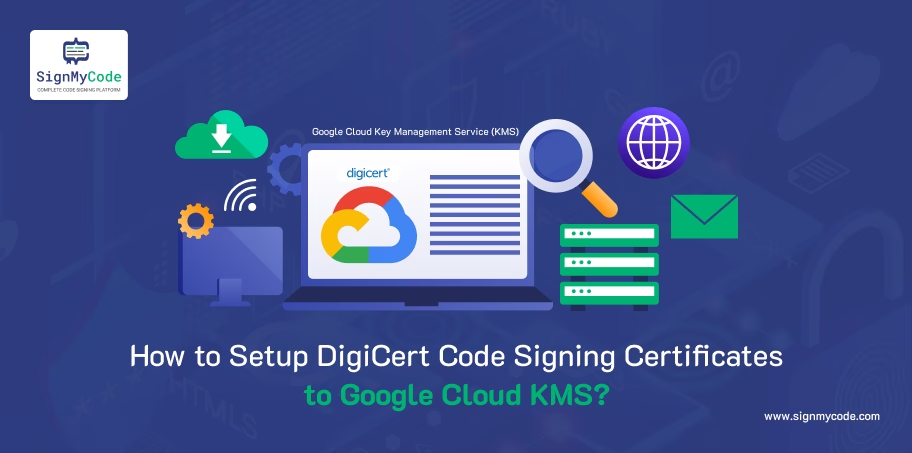
Code Signing Using Google Cloud KMS (Cloud HSM)
-
Buy a Code Signing Certificate
Get a code signing certificate issued by a trusted Certificate Authority like Sectigo. Perform the necessary identity validation. Once the request is approved, the code signing certificate is used to establish the verified identity of your organization with the signing key protected by the HSM.
-
Install the CNG Provider
Download the Google Cloud KMS CNG provider for your Windows machine. This enables Microsoft’s Cryptography API: Next Generation (CNG) framework to communicate securely with Cloud KMS and Cloud HSM for signing operations.
-
Create a Key Ring in Google Cloud KMS
In the Google Cloud Console, create a new Key Ring in your preferred region. The key ring acts as a logical container to organize and manage your cryptographic keys securely.
-
Create a Public-Private Key Pair Using Cloud HSM
Create an asymmetric signing key in Cloud HSM. Choose a suitable algorithm, such as RSA 2048 or RSA 3072. Ensure it is hardware protected and non-extractable to achieve maximum security and compliance.
-
Download the Key’s HSM Attestation Record
Once you have generated your key, you need to obtain the HSM attestation record. This is a form of digital proof that the generated private key was produced and stored securely within the HSM device.
-
Generate the Certificate Signing Request (CSR)
Using your HSM-generated private key, you now need to generate your Certificate Signing Request. This request will comprise your public key and your organization details. This request is then sent to your Certificate Authority to obtain your code signing certificate.
-
Submit the CSR and Key Attestation Information
You now submit your CSR along with your HSM attestation record to your Certificate Authority. This is to prove to your Certificate Authority that your signing key is hardware-based and secure for code signing.
-
Sign Your Code Using a Sectigo Code Signing Certificate + SignTool
Once your Certificate Authority has issued your code signing certificate, you then need to import the issued certificate to the Windows certificate store for the Cloud KMS CNG provider. You then need to utilize the SignTool provided by Microsoft but with the Google Cloud KMS provider to sign your code while the private key remains secure within the Cloud HSM.
Follow the step-by-step instructions
Frequently Asked Questions
What is GCP KMS?
GCP KMS refers to Google Cloud Platform’s Key Management Service, providing centralized lifecycle management of symmetric and asymmetric keys, including hardware-backed protection through Cloud HSM for regulated workloads.
Can I use a Sectigo code signing certificate with Google Cloud KMS?
Yes, a certificate from Sectigo can integrate with Cloud KMS when the key pair is generated in Cloud HSM and linked via CSR submission.
What is the difference between HSM and KMS?
KMS manages cryptographic keys and policies, while an HSM is dedicated hardware that securely generates and stores keys. Cloud KMS can leverage Cloud HSM for hardware-backed protection.
Can I automate this in CI/CD?
Yes, GCP supports API-driven signing, terraform deployment, and integration into CI/CD pipelines, enabling automated, secure code signing workflows without exposing private keys. It can be done through GitHub Actions, Jenkins and Google Cloud Build.
How do I authenticate and authorize Cloud KMS access?
Access is controlled through Google Cloud IAM policies, service accounts, and role-based permissions. Authentication uses OAuth 2.0 tokens, ensuring secure, auditable API-based key operations.
Can I store certificates in KMS?
No, KMS only stores keys. For certificates, you need external tools or managed services.
What key types are supported for signing?
It supports: RSA (e.g., 2048, 3072, 4096), ECC (P-256, P-384)
Common choices:
- RSA_SIGN_PKCS1_2048_SHA256 (widely compatible)
- EC_SIGN_P256_SHA256 (faster, modern)
We are rated 4.8/5
 REVIEWS
Real customer ratings and reviews at
REVIEWS
Real customer ratings and reviews at

I am very grateful to Sienna for helping with my request. She was understanding, responsive, and helpful throughout the process. In addition to Sienna, most of the customer support representatives I interacted with like Finn, Daniel were attentive, and very helpful. Their support made the experience smooth and pleasant.
Great customer service! Daniel was very helpful throughout the OV validation process, providing clear guidance on each step including D-U-N-S registration and Sectigo verification requirements. Highly recommended for first-time certificate buyers.
I finally got around to installing the new Sectigo EV cert token this afternoon. Everything worked the first time with no fuss. The documentation was spot on, the tools just worked, and Visual Studio saw the certificate immediately. Building, publishing and installing it was just as seamless.
Our Trusted Clients






Live Chat
Talk to our 24/7 code signing experts for issuance, validation, and installation help.

24/7 Ticketing Support
Raise your support and sale ticket, we will answer immediately.

Code Signing Tutorials
Code Signing Tools
Why SignMyCode?
Globally Recognized Certificate Authority (CA)
Quick Validation and Issuance by Pro Code Signing Experts
Technical Troubleshooting in Real-Time
24 x 7 Customer Support via Live Chat & Email